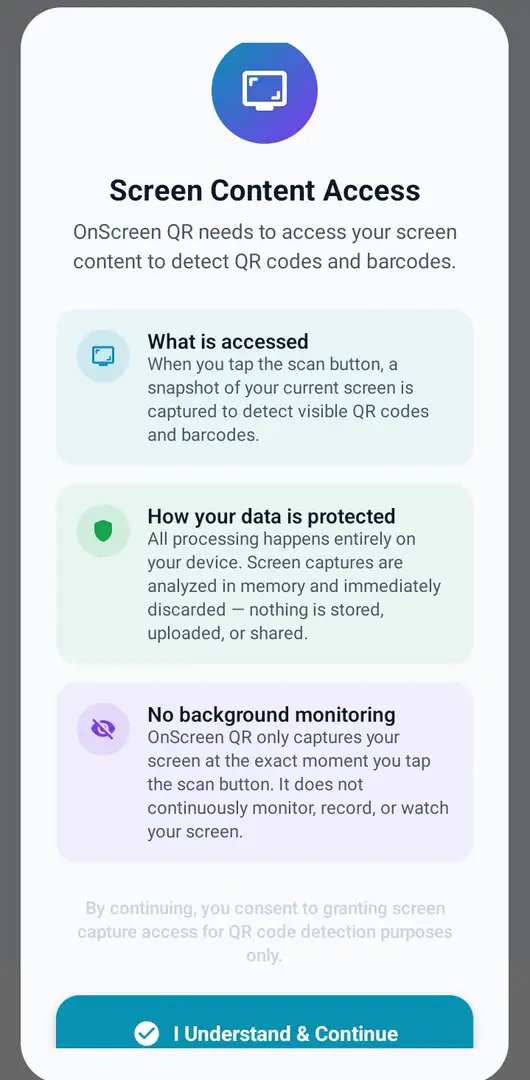
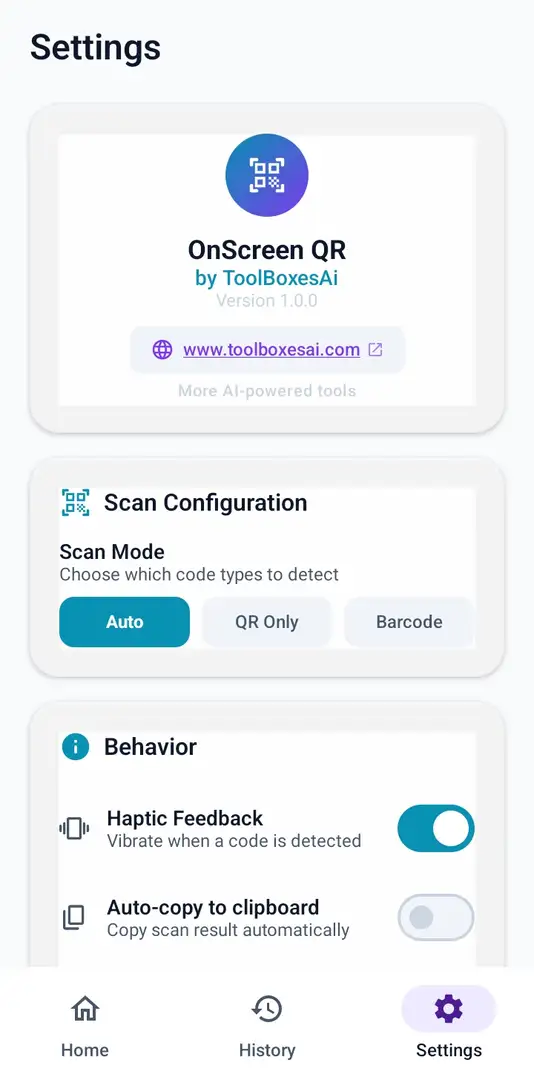
Universal Detection
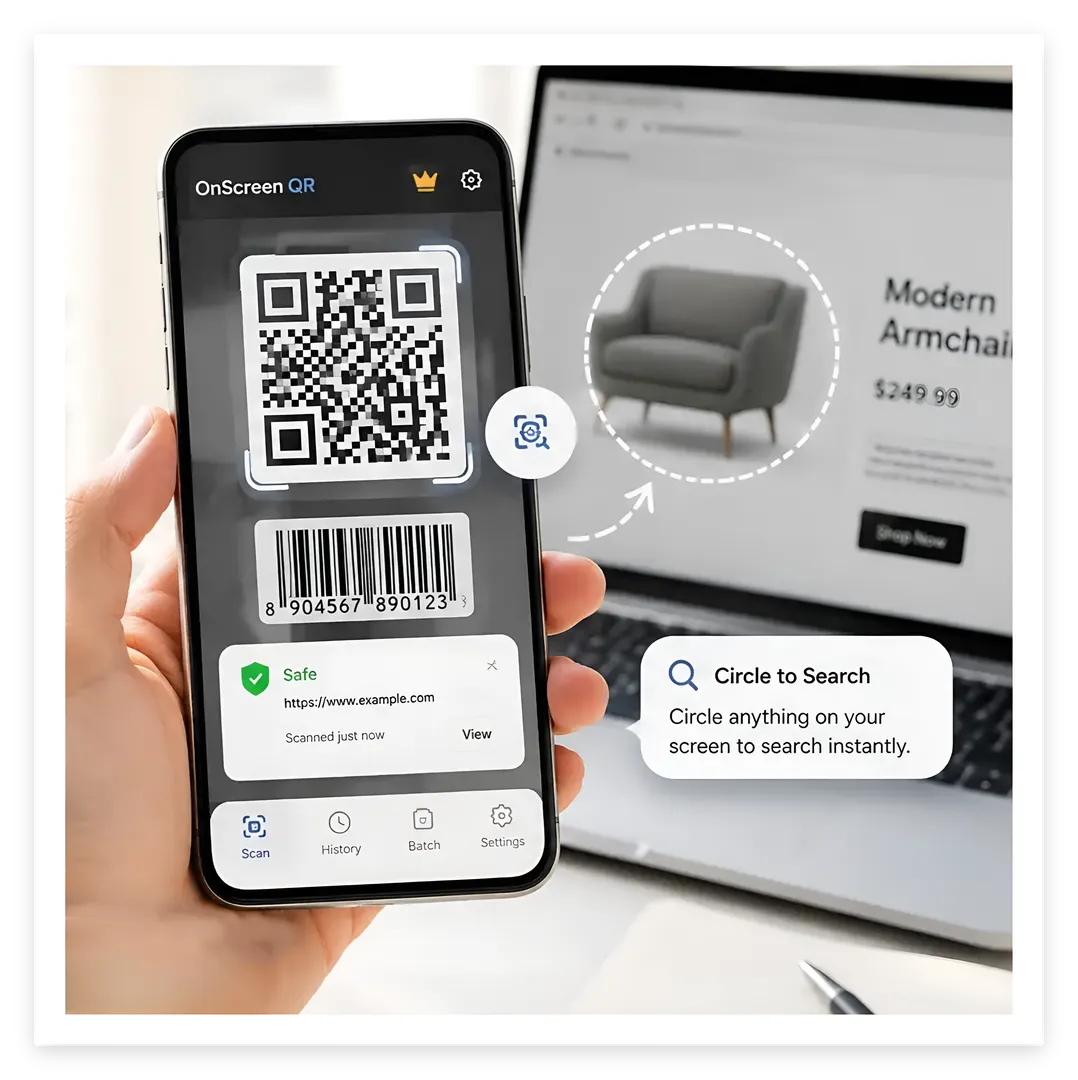
Configure your scan mode — Auto-Detect, QR Only, or Barcode Only. Detects codes with up to 97% accuracy and scans in under 500ms.
⚡
Smart Parsing
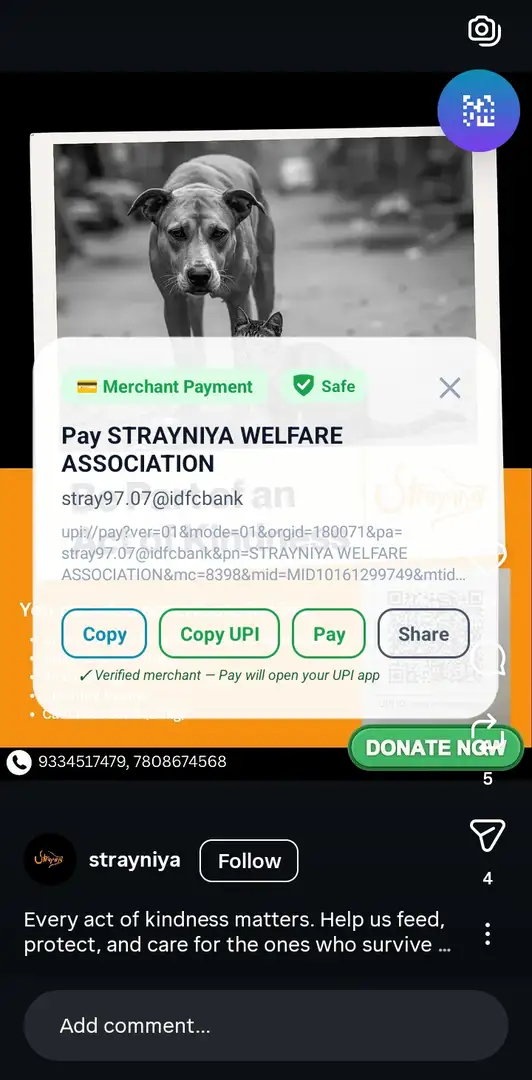
Instantly categorizes links, WiFi networks, UPI payments, emails, phone numbers, calendar events, contacts, and more.
🛡
Intelligent Threat Analyzer
Every scan is automatically evaluated for phishing links, suspicious domains, and payment scams using built-in, offline pattern recognition.
⚙
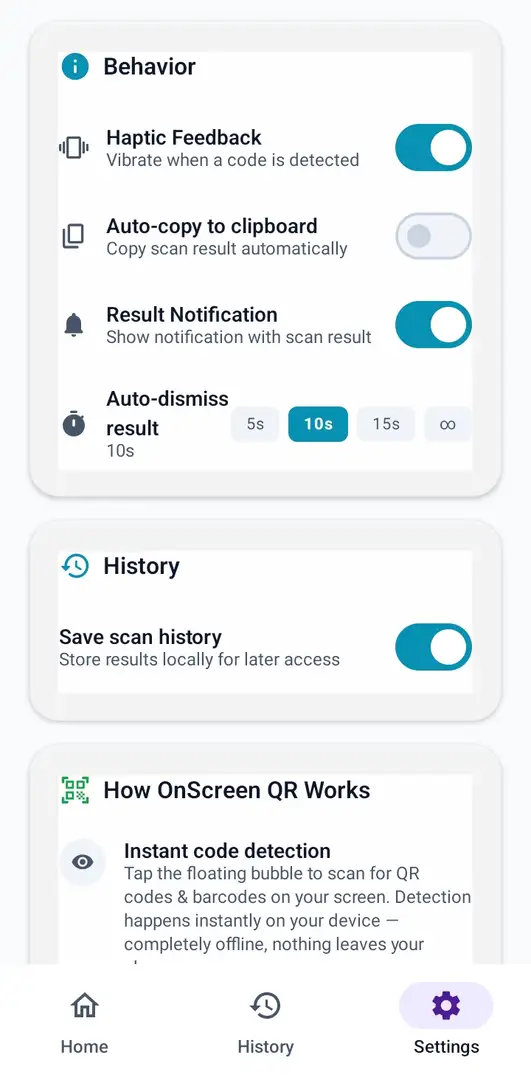
Fully Customizable
Haptic feedback, auto-copy, result notifications, and auto-dismiss timers (5s, 10s, 15s, or indefinite) — tailor everything to your workflow.
🕑
Local History
Save your scan history exclusively in a local, on-device database for later access. Toggle it off anytime — your data, your control.
⚡
Quick Settings Tile
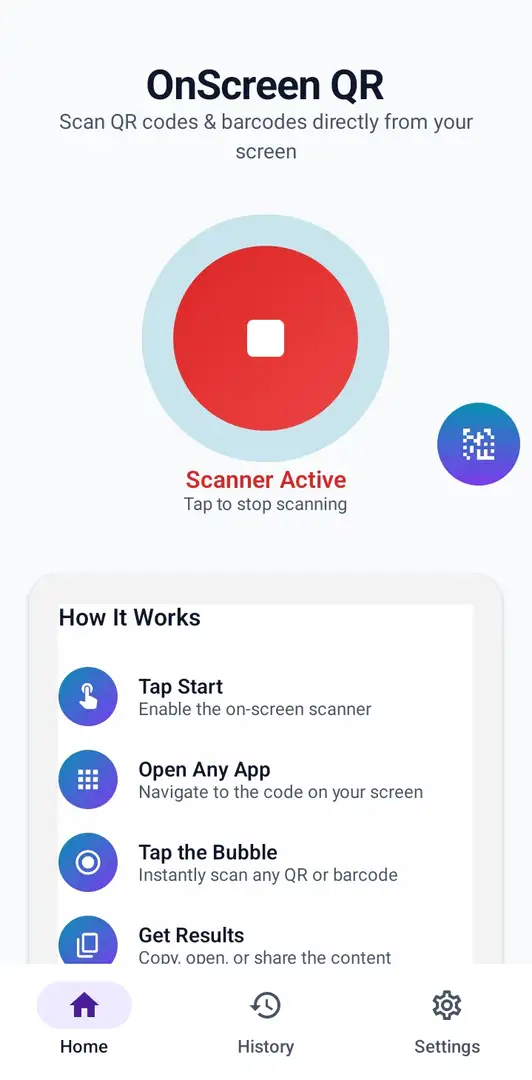
Toggle the scanner directly from your Android Quick Settings panel — no need to even open the app.
⏱
Lightning Fast
Scans any QR code or barcode in under 500ms. Tap, detect, done — no waiting around.
📱
Wide Compatibility
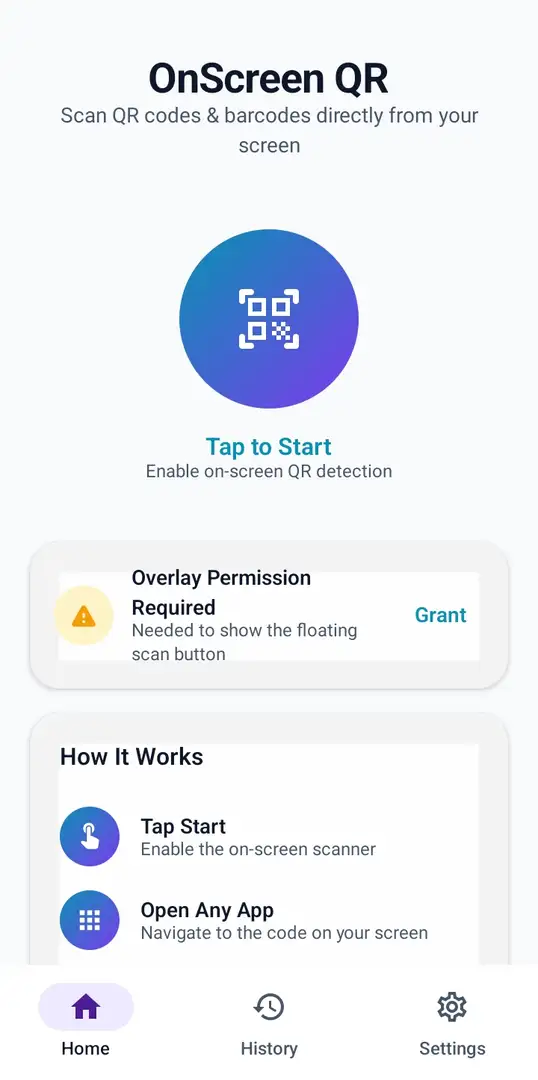
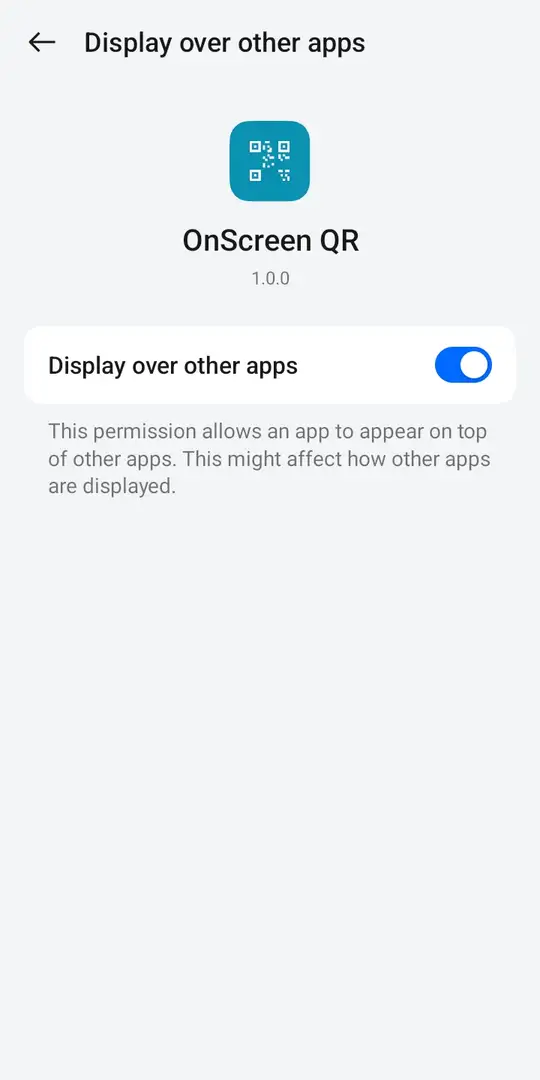
Supports Android 7.0 (Nougat) and above. Requires the "Display over other apps" permission to show the floating scan button.
📋
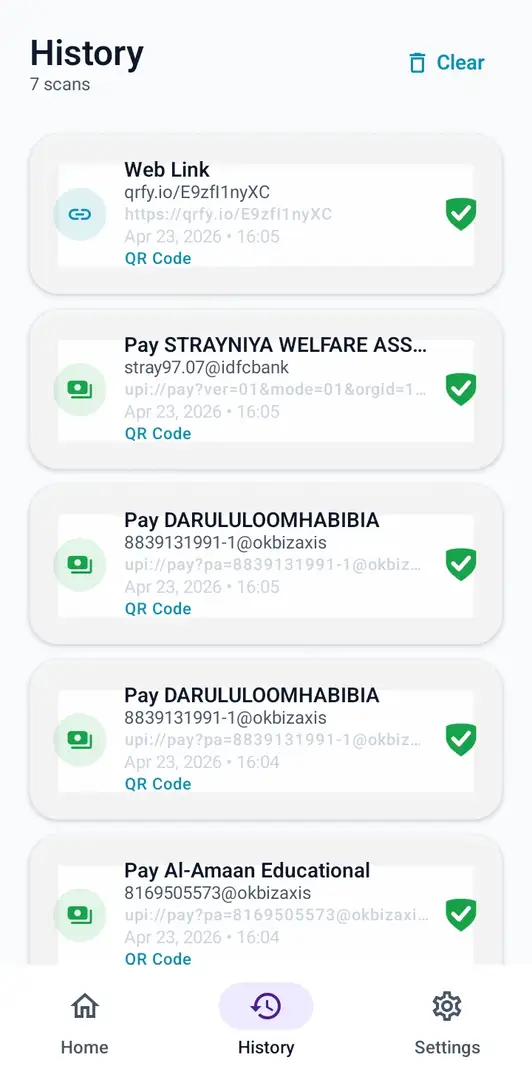
History Management
Access all your past scans from the History section. Review, copy, or delete individual entries at any time — full control stays with you.
📦
Batch Scan
Scan multiple QR codes and barcodes in one go. Enable Batch Scan in settings, choose how many codes to scan (10, 25, 50, 100 or 200), select any folder from the home screen, and let OnScreen QR automatically detect and save every code to your history — lightning fast.
📊
Excel Export
Export your scan history into a well-structured Excel (.xlsx) file. Choose between fully categorized export — organized by type (URLs, WiFi, UPI, contacts, etc.) — or a flat non-categorized list. Perfect for inventory, logistics, and record-keeping workflows.
🔍
Built in Circle To search
This is the latest feature addition to OnScreen QR which optionally requires internet connection to safely make searches. It includes three modes (Auto, Text Only, Image Only) for your preference. Just hold the bubble for a while to activate and then draw a circle around anything on screen you want to search.